
Posted on 2020-11-18
If you are struggling to access the kubernetes dashboard like me, I've written a document you can follow to succeed.
First download it
$ curl -O https://raw.githubusercontent.com/kubernetes/dashboard/v2.0.4/aio/deploy/recommended.yaml
$ mv recommended.yaml dashboard-2.0.4.yaml
Edit the downloaded file and alter the following (the last 2 lines)
kind: Service
apiVersion: v1
metadata:
 labels:
   k8s-app: kubernetes-dashboard
 name: kubernetes-dashboard
 namespace: kubernetes-dashboard
spec:
 ports:
   - port: 443
     targetPort: 8443
 selector:
   k8s-app: kubernetes-dashboard
 type: LoadBalancer
 externalIPs: ["192.168.18.20"]
Import using the following command:
$ kubectl apply -f dashboard-2.0.4.yamlAnd finally take a look at the port used by your service:
$ kubectl get services -n kubernetes-dashboard
NAME                        TYPE           CLUSTER-IP       EXTERNAL-IP     PORT(S)         AGE
dashboard-metrics-scraper   ClusterIP      10.101.137.115   <none>          8000/TCP        128m
kubernetes-dashboard        LoadBalancer   10.109.56.61     192.168.18.20   443:32702/TCP   128m
And finally access the login page using your prefered browser using the url: https://<external-ip>:32702/#/login. In my case I have to replace the <external-ip> for 192.168.18.20, and the port is the second port of the ports column.
If you don't have a user or token, follow the following recipe:
To create a user:
$ kubectl create serviceaccount dashboard-admin-sa
serviceaccount/dashboard-admin-sa created
And now we give the user the authorization required to access the dashboard:
$ kubectl create clusterrolebinding dashboard-admin-sa --clusterrole=cluster-admin --serviceaccount=default:dashboard-admin-sa
clusterrolebinding.rbac.authorization.k8s.io/dashboard-admin-sa created
And finally we get the token to access the dashboard:
$ kubectl get secrets
NAME                             TYPE                                  DATA   AGE
dashboard-admin-sa-token-5xrzx   kubernetes.io/service-account-token   3      69s
default-token-z6qft              kubernetes.io/service-account-token   3      6d

$ kubectl describe secret dashboard-admin-sa-token-5xrzx
Name:         dashboard-admin-sa-token-5xrzx
Namespace:    default
Labels:       <none>
Annotations:  kubernetes.io/service-account.name: dashboard-admin-sa
              kubernetes.io/service-account.uid: 4933ced3-f64a-4c34-be03-5fa701a50b3c

Type:  kubernetes.io/service-account-token

Data
====
ca.crt:     1066 bytes
namespace:  7 bytes
token:      eyJhbGciOiJSUz.....L0NJ5jJctL9AA
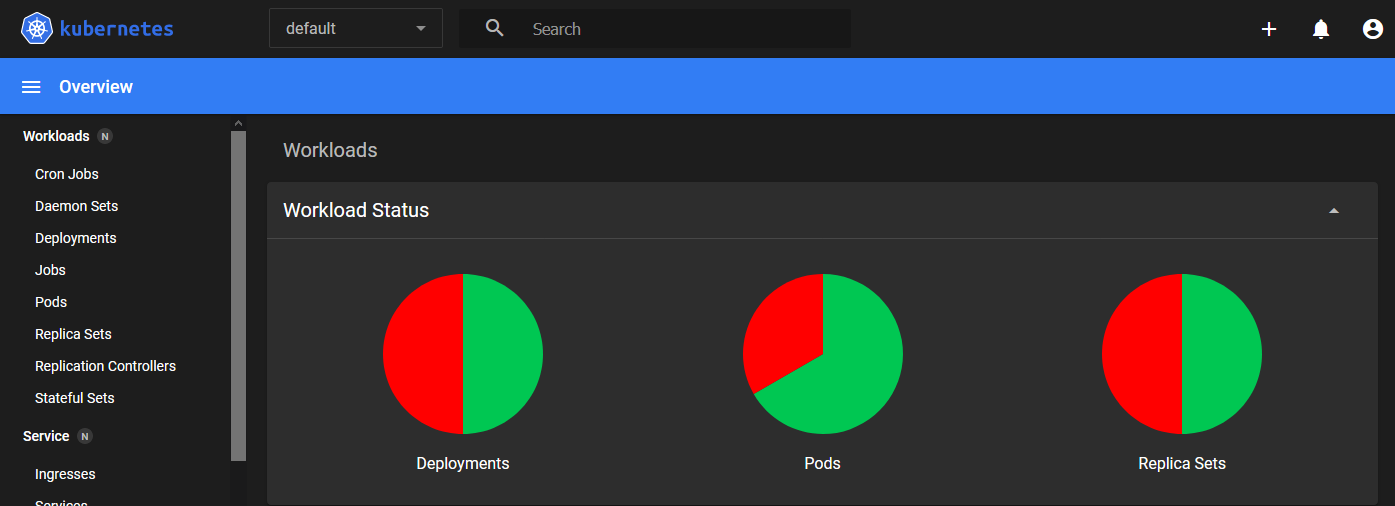
Now, using the token above we can access the dashboard.
Enjoy!
homepageBeyondBlueSky - 2019
Website developed using Symfony 5, Bootstrap 4 and Open Iconic